
Rons Data Edit - Rons Data Tools
A bonus Windows utility designed to simplify routine CSV processing tasks.
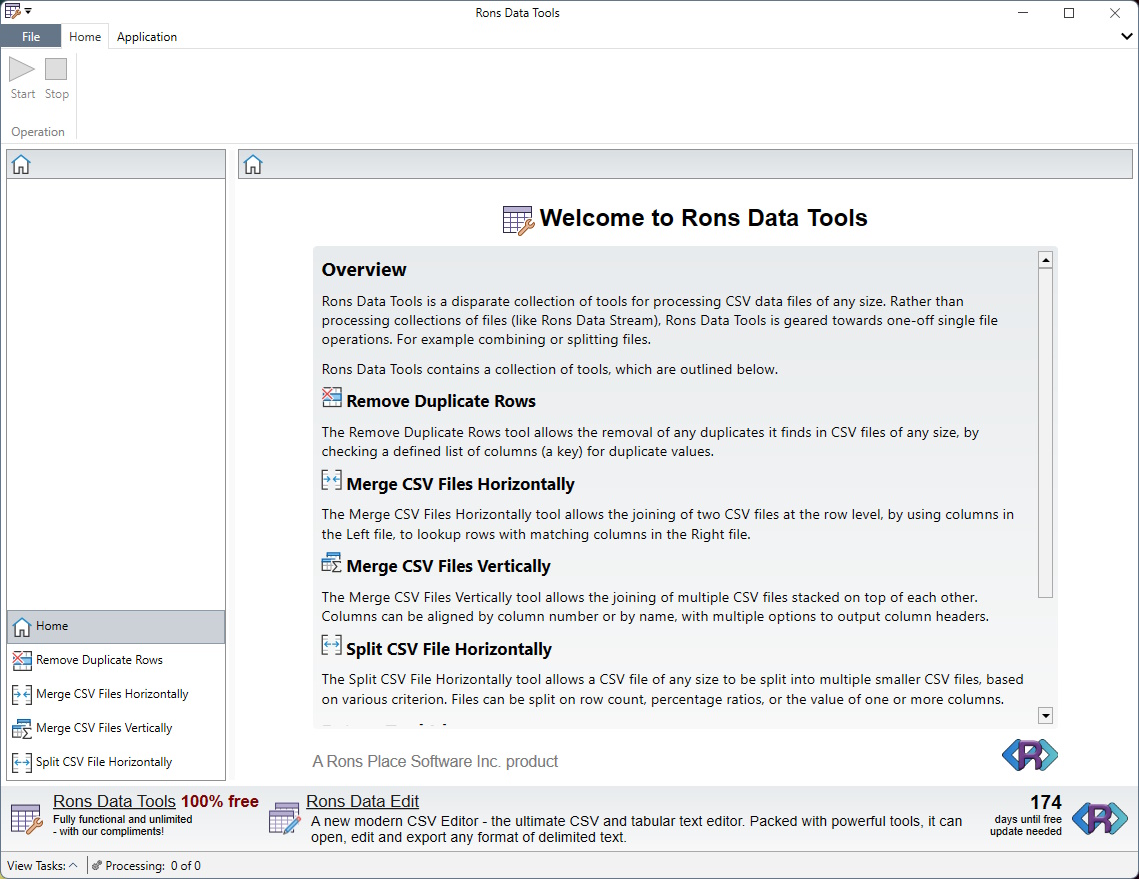
Rons Data Tools in action (light)
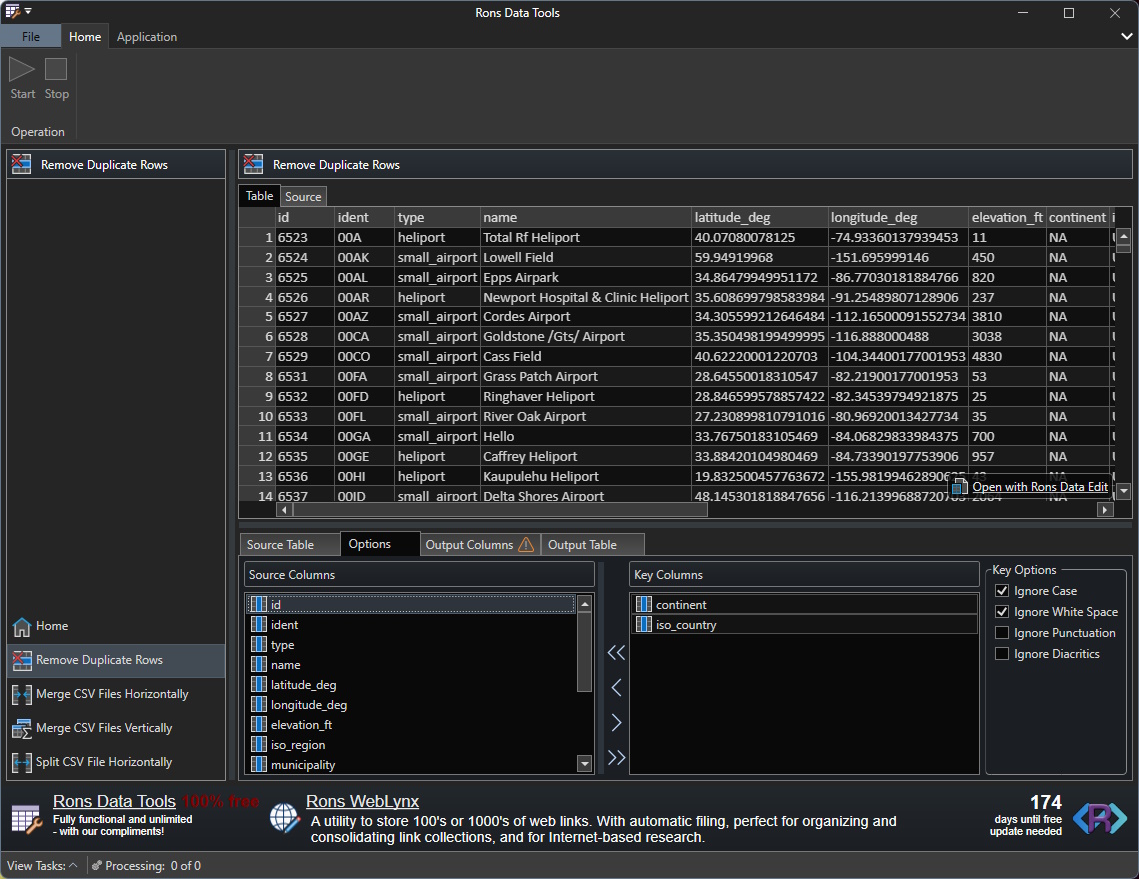
Rons Data Tools in action (dark)
Rons Data Tools brings together a collection of practical tools in one clear, intuitive application for handling large, disk based CSV files.
Why is it installed with Rons Data Edit?
Rons Data Edit is a state-of-the-art CSV editor, a powerful application designed to load files into memory for fast and efficient data manipulation. However, some customer requirements do not fit comfortably within the workflow of Rons Data Edit, or are constrained by the practical limitations of processing very large files in memory.
Rons Data Tools was created to address these scenarios. It provides a platform for specialized tools requested by customers, extending the capabilities of Rons Data Edit and offering solutions for workflows that require a different approach.
Note: All the features in Rons Data Tools are the result of customer requests. If something is missing, or could be improved, please contact us.
Overview
Rons Data Tools addresses common data processing needs by providing utilities for:
-
Removing Duplicate Rows:
Identify and remove duplicate rows from a CSV file. -
Merging CSV Files Horizontally:
Combine two CSV files together by joining each row on one, or more, key columns. -
Merging CSV Files Vertically:
Append rows from various CSV files together into a single file, with column alignment. -
Splitting CSV Files Horizontally:
Split the rows from a large CSV file into different files, based on various criterion.
The tool is built with a logical layout that supports both light and dark modes, allowing users to customize the interface with their preferred theme colors.
Removing Duplicate Rows
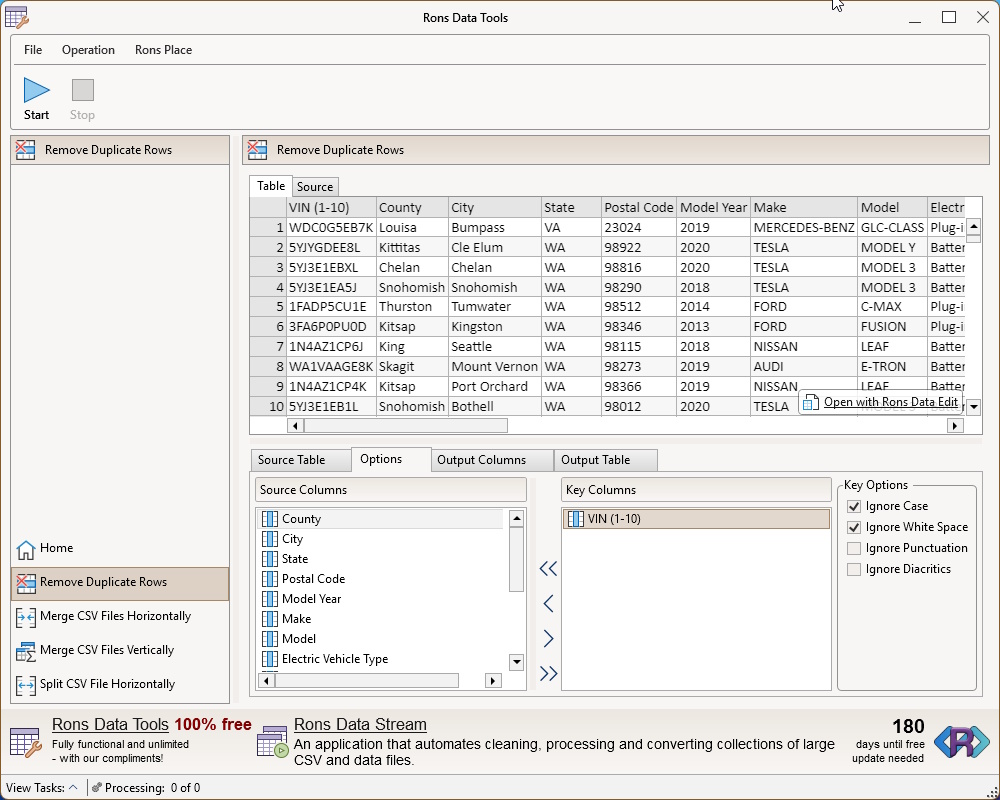
The Remove Duplicate Rows tool allows the removal of any duplicates it finds in CSV files of any size, by checking a defined list of columns (a key) for duplicate values.
Merging CSV Files Horizontally
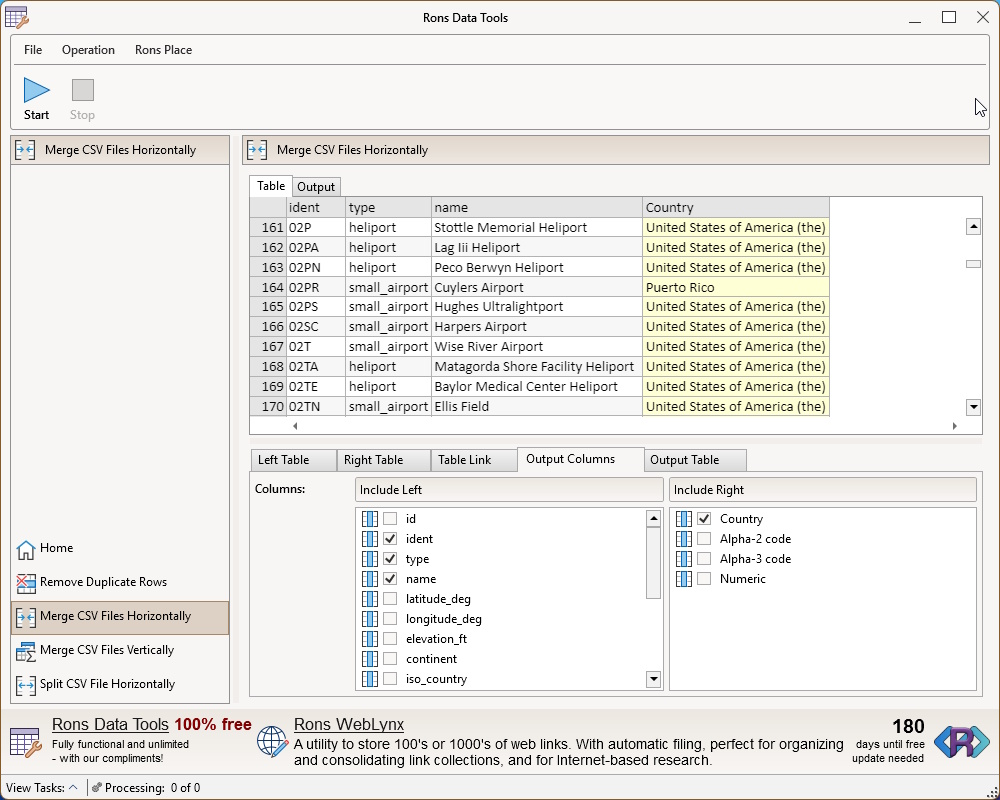
The Merge CSV Files Horizontally tool allows the joining of two CSV files at the row level, by using columns in the Left file, to lookup rows with matching columns in the Right file.
Merging CSV Files Vertically
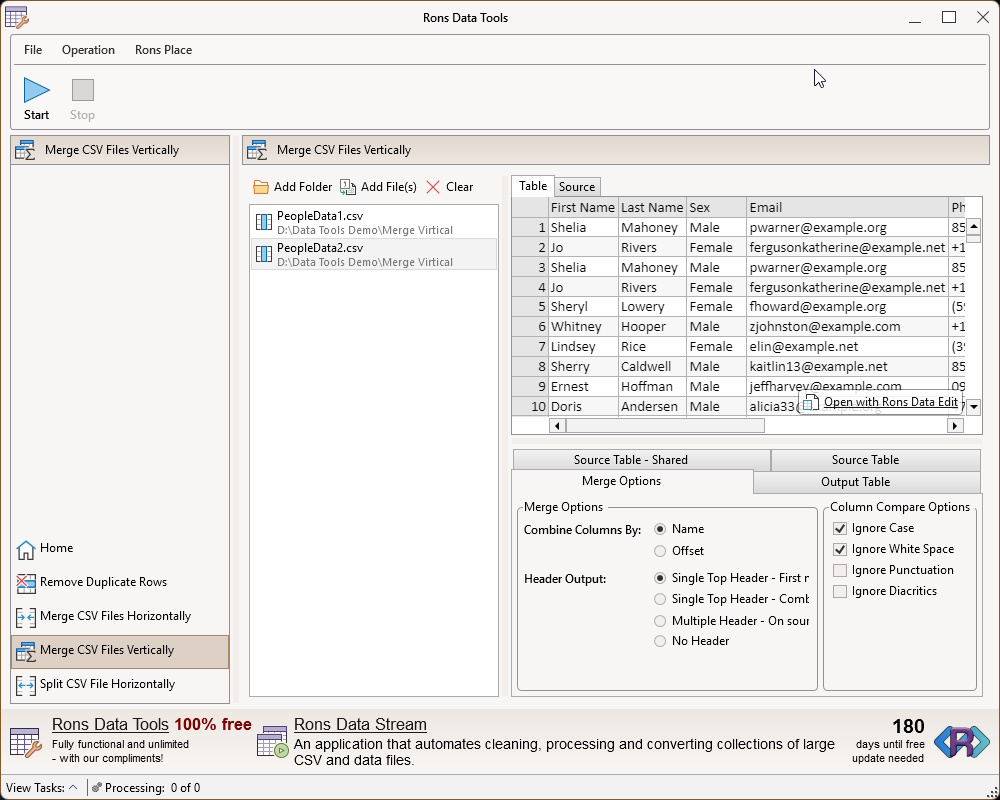
The Merge CSV Files Vertically tool allows the joining of multiple CSV files stacked on top of each other. Columns can be aligned by column number or by name, with multiple options to output column headers.
Splitting CSV Files Horizontally
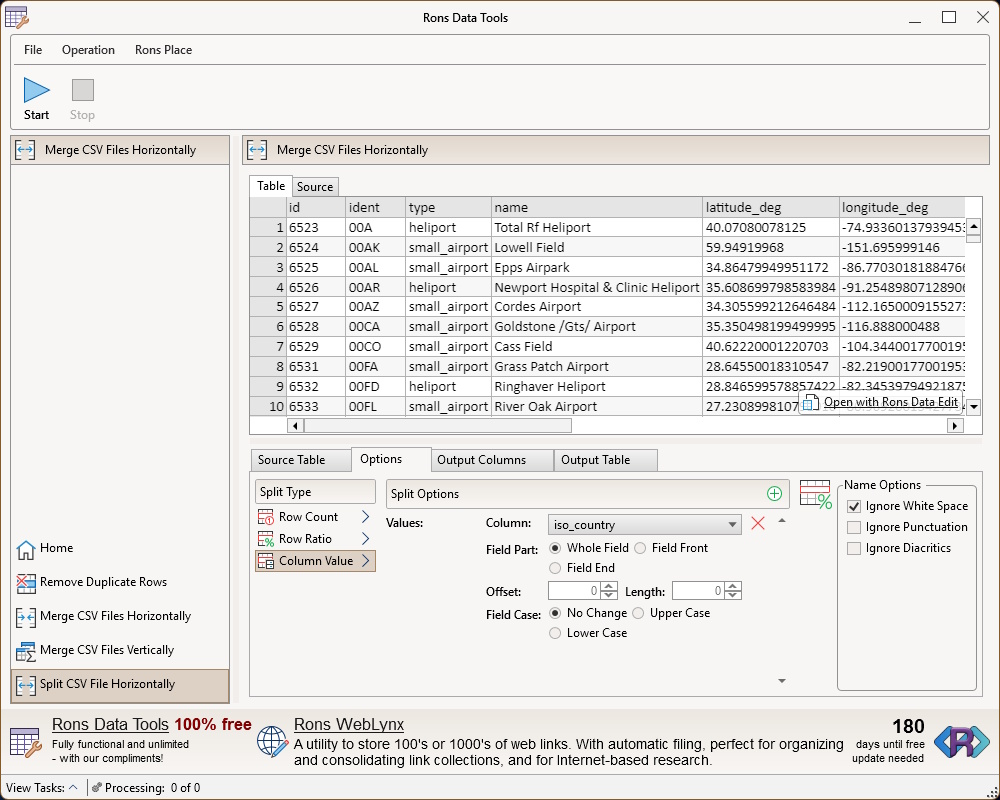
The Split CSV File Horizontally tool allows a CSV file of any size to be split into multiple smaller CSV files, based on various criterion. Files can be split on row count, percentage ratios, or the value of one or more columns.
To Get Started
Download Rons Data Edit to get Rons Data Tools - it's a simple installation.
Rons Data Edit Options
 Rons Data Edit Lite
Free
 |
Maximum 2500 rows can be saved (load unlimited) |
|
Advertising banner included |
 |
Rons Data Tools (with advertising banner) |
|
All other options available |

Rons Data Edit Pro
$37.50
|
No row save limit |
|
Advert banner free |
|
Rons Data Tools (banner free) |
|
All other options available |
|
Fully Pro |




Related Information
- A Perfect Excel alternative to handle CSV files
- How to open and view a CSV file
- Rons Data Edit for e-Commerce
- Text Encoding and Languages in CSV Files
- What is a CSV File
- What is the best CSV Editor
- What is the Difference between Rons Data Edit and Rons Data Stream
CSV Editing
Rons Data Edit


