
Rons WebLynx - Gallery
A number of screenshots of Rons WebLynx are shown below. Click on an image to enlarge.
The Main Screen
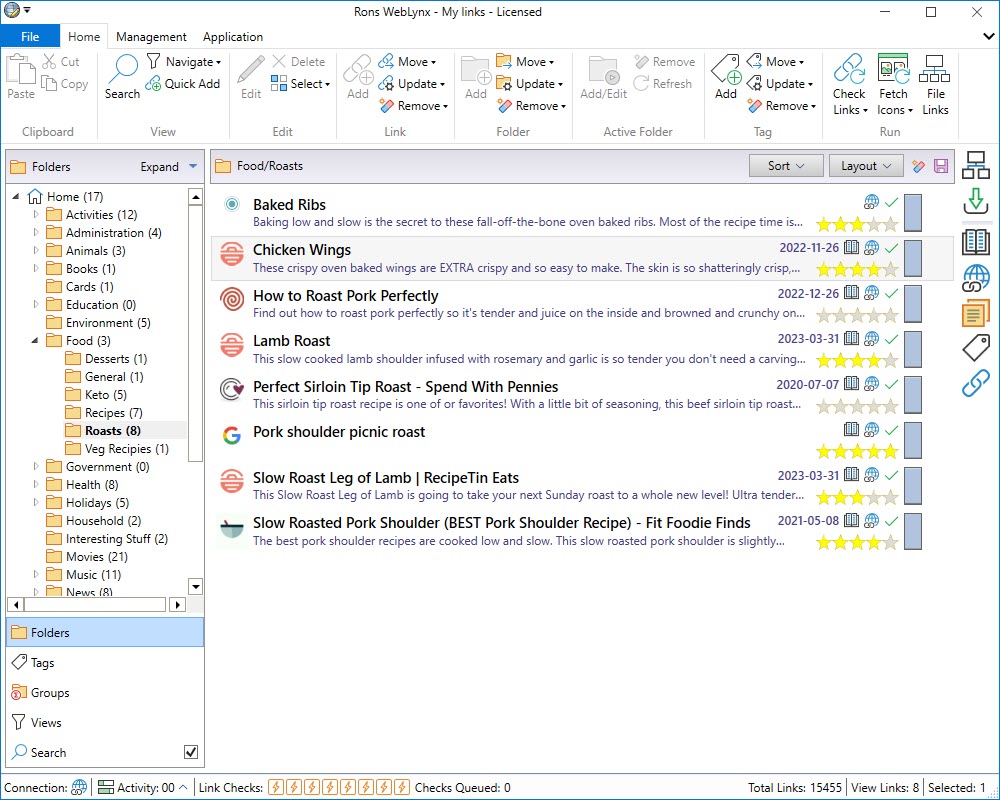
The Tag navigator

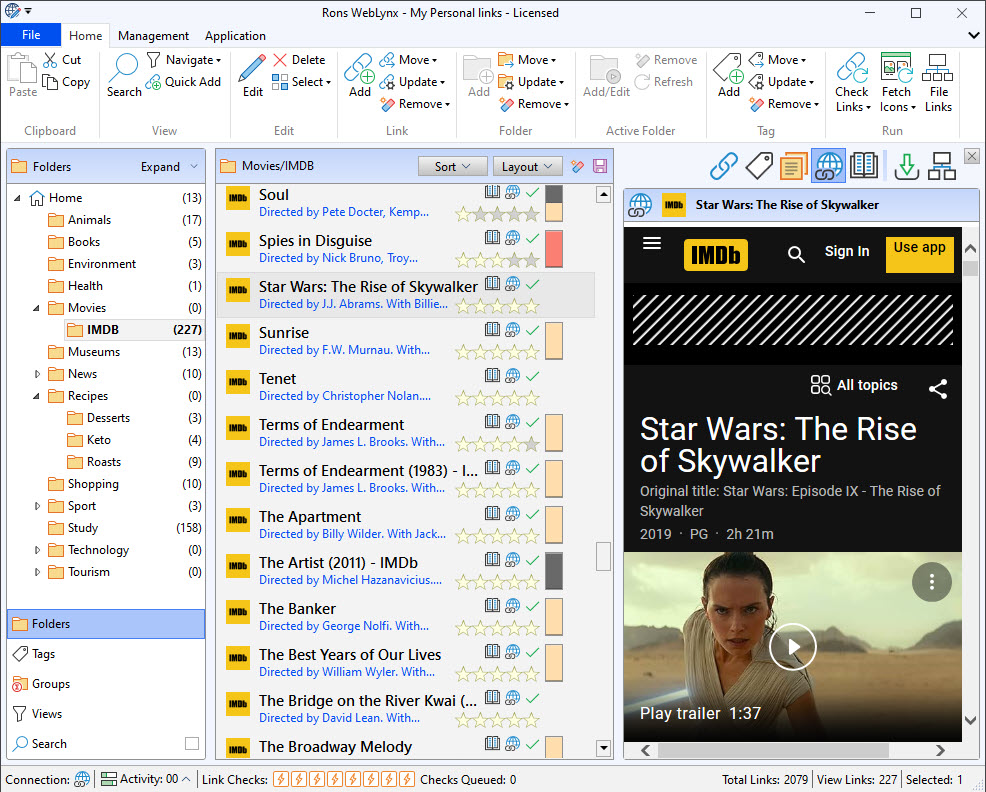
The Tag Panel

The Note Panel
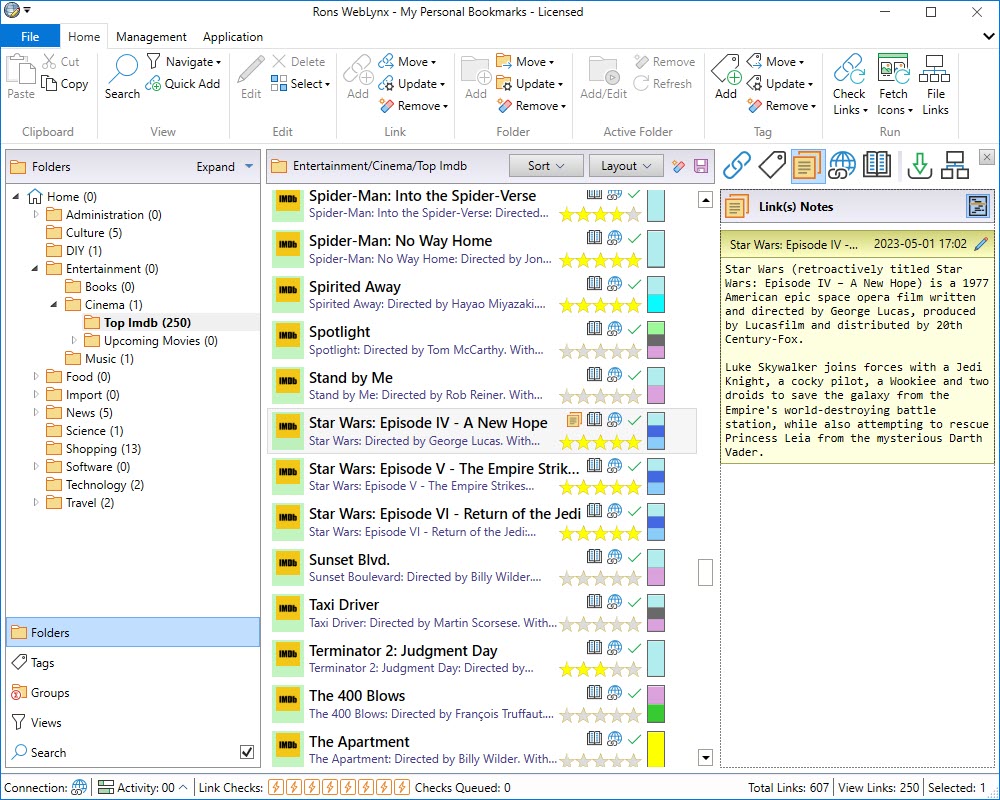
The Browse Panel
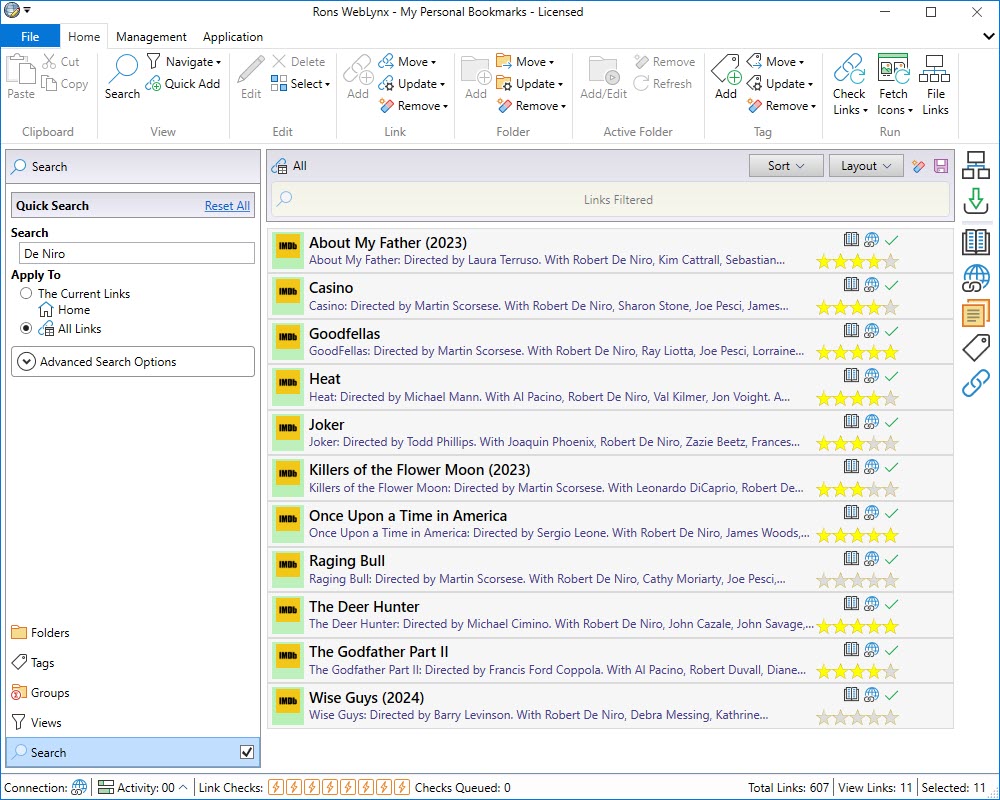
Filter Links
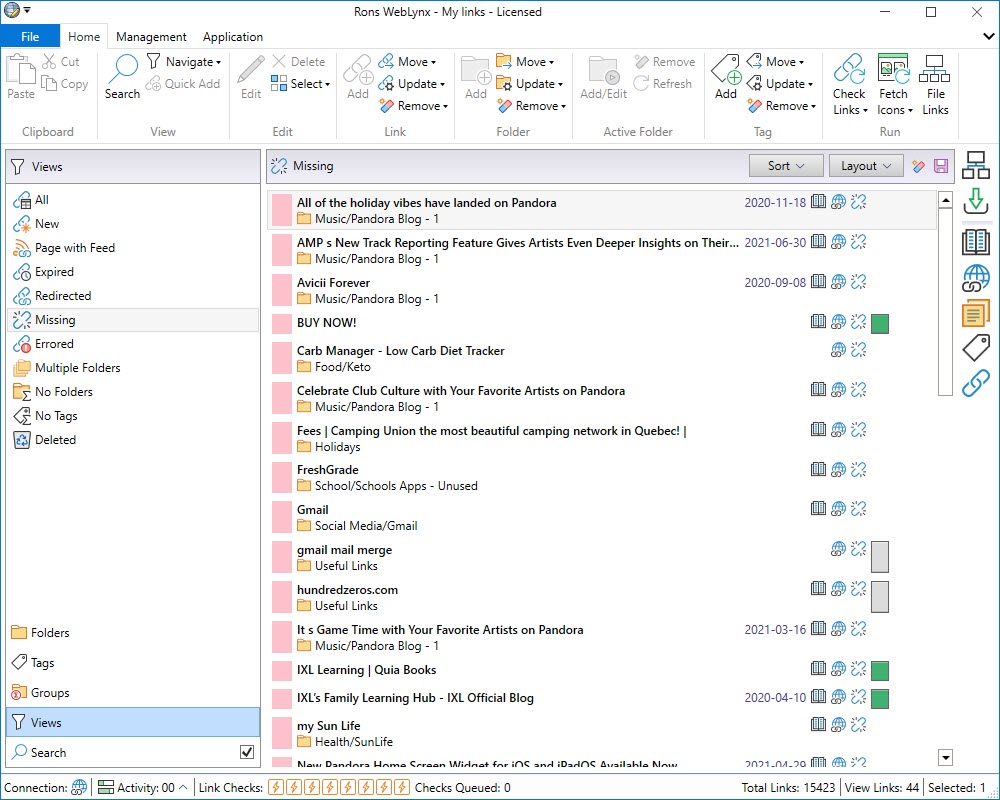
Missing Links
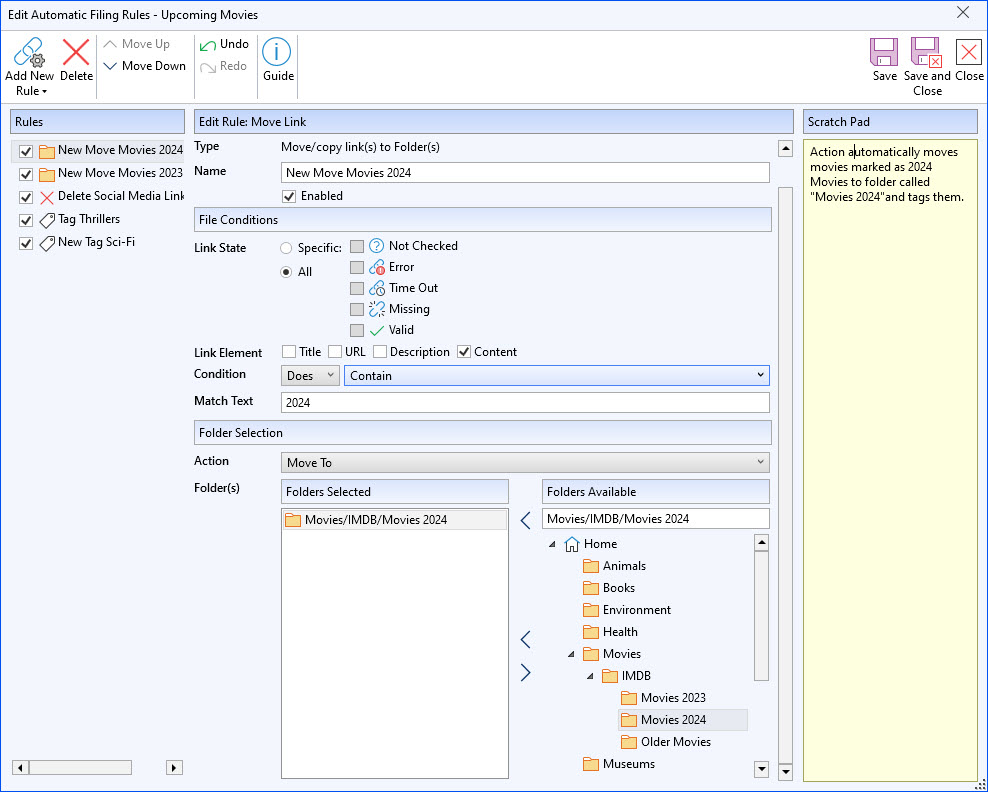
Automatically File Links
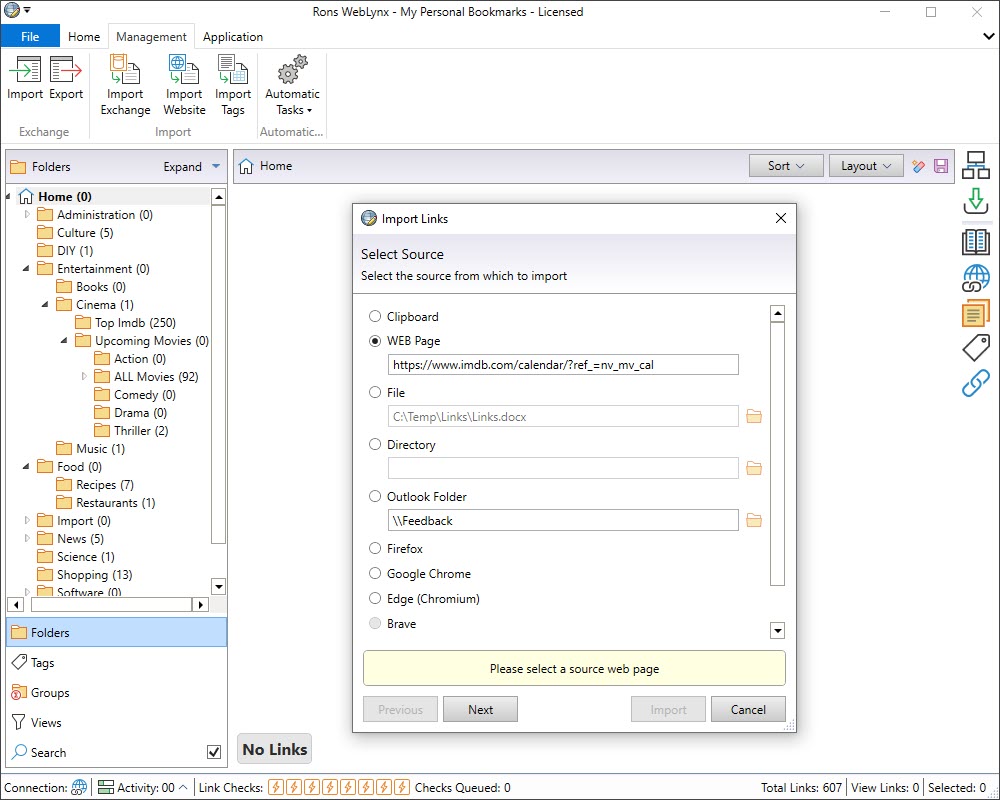
Import Start
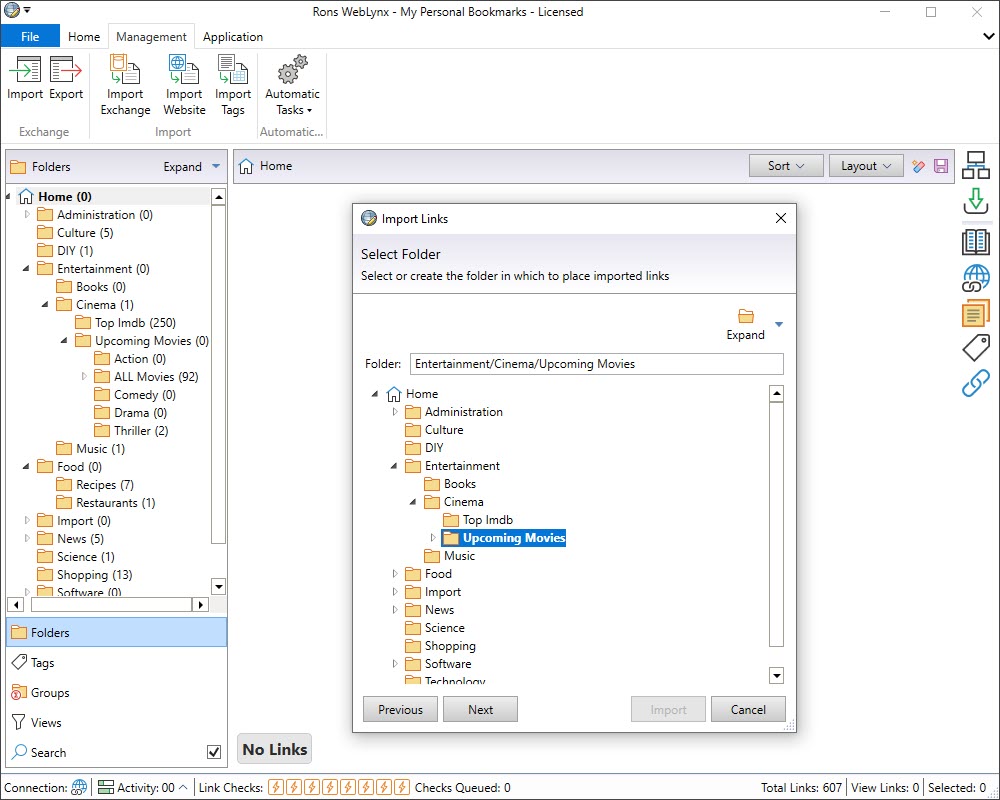
Import to Folders
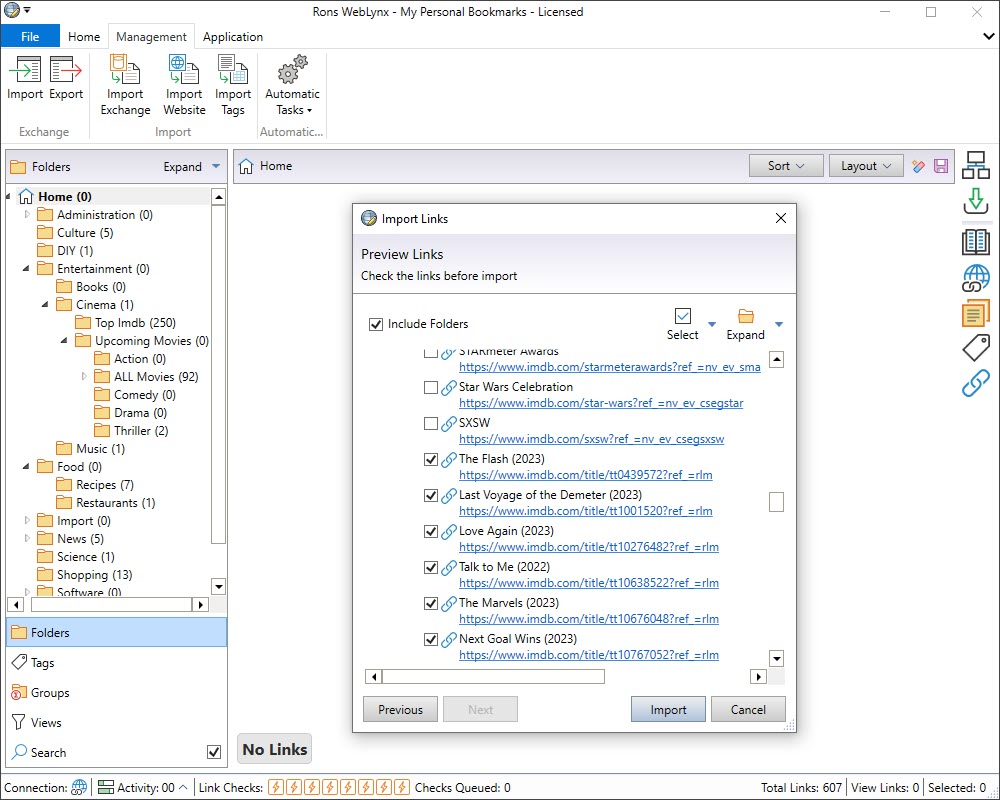
Choose what to Import
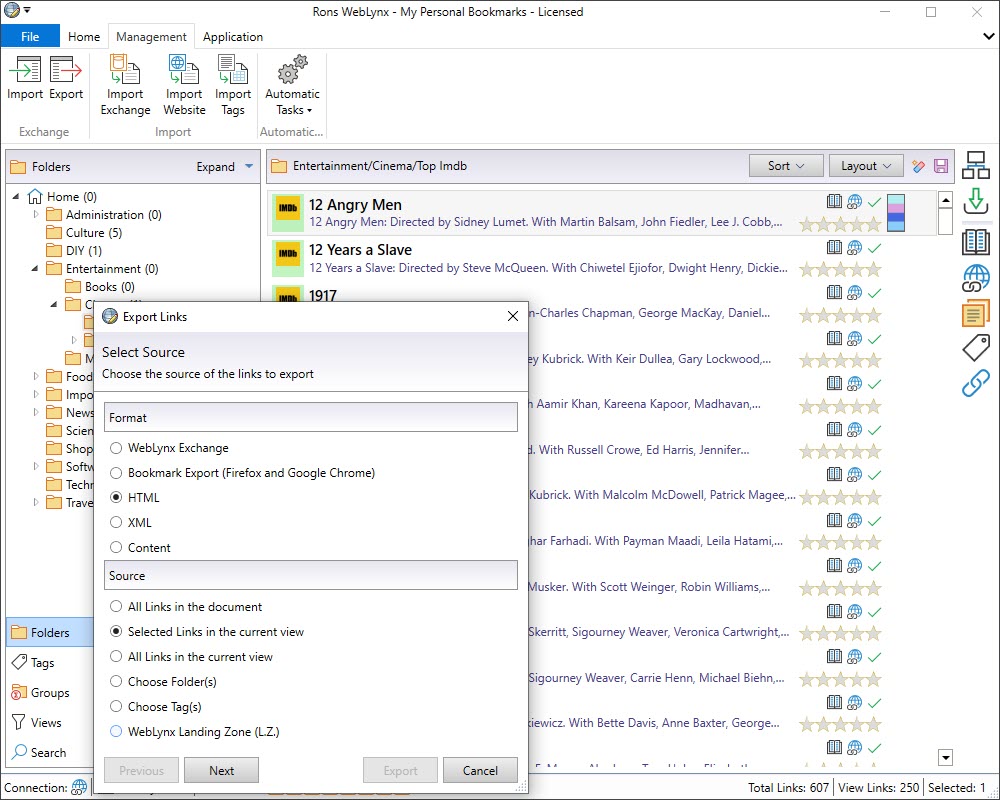
Export
Rons WebLynx Options
 Rons WebLynx Lite
Free
 |
Maximum of 500 links can be saved (load unlimited) |
|
Advertising banner included |
 |
All other options available |

Rons WebLynx Pro
$30.00
|
No link save limit |
|
Advert banner free |
|
All other options available |
|
Fully Pro |




Related Information
Rons WebLynx
Application
General


